




Smartphones have become an essential part of daily life in Pakistan, with their popularity continuing to grow due to increasing affordability and widespread availability. Over the years, advancements in technology, competitive pricing, and improved internet connectivity have significantly boosted the number of cellular subscribers across the country.
However, with this widespread adoption came the misuse of this technology. Many illegal activities, including terrorist incidents, were linked to unregistered SIM cards.
To address these issues, the Pakistan Telecommunication Authority (PTA) introduced an advanced SIM Information System in 2009. This system was designed to maintain a digital record of SIM card subscribers, allowing users to check the number of active SIMs registered against their CNIC (Computerized National Identity Card).
If you are unsure about the number of SIM cards registered under your CNIC or wish to block or verify any of them, the following information will guide you.
How Many SIMs Can Be Registered Against One CNIC?
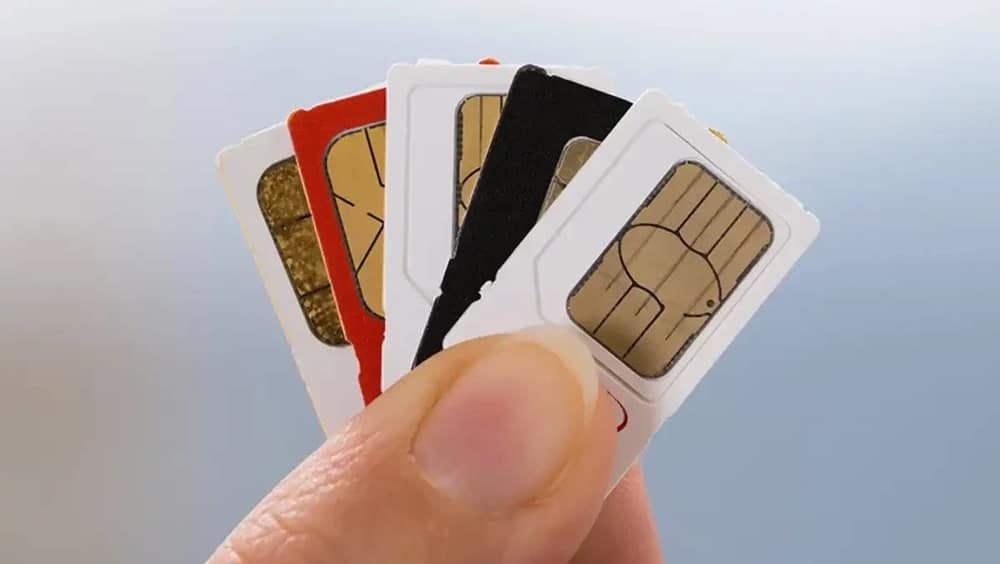
It is important to note that PTA has set a limit on the number of SIM cards an individual can register under their CNIC. As per the regulations, a person can have a maximum of five SIM cards registered in their name at any given time.
If you already have five SIM cards registered and wish to obtain another, you will need to block one of the existing SIMs to stay within the limit.
How to Check the Number of Active SIMs Registered Against Your CNIC
If you are unaware of the number of SIM cards registered under your CNIC, it is essential to verify this information. There are two simple methods to check:
1. Through the PTA Website:
- Visit the PTA SIM Information System website.
- Enter your CNIC number in the designated field.
- Complete the CAPTCHA verification and click on the “Submit” button.
- A table will appear, showing the number of SIM cards registered under your CNIC, categorized by operator. The total number of SIMs will also be displayed.
2. Via SMS:
- Open the messaging app on your phone.
- Type your CNIC number (without dashes or spaces).
- Send the message to 668.
- You will receive a reply with the total number of active SIM cards registered under your CNIC, categorized by operator.
- Note: Each SMS sent to 668 will not be free.
If you find that the number of registered SIMs exceeds the ones you are currently using, you should immediately contact the customer service center of the respective mobile operator.
What is SIM Cloning and Why Should You Be Cautious?
SIM cloning refers to the process of duplicating a SIM card by transferring its identifying information to another SIM. This allows the cloned SIM to be used on a different device, often for illegal purposes. Criminals frequently use this method to make calls or perform activities under someone else’s identity.
If you notice any suspicious activity, such as someone receiving calls from your number that you did not make, contact your mobile operator immediately and request the blocking of the cloned SIM.
PTA Biometric Verification System (BVS)
The PTA introduced the Biometric Verification System (BVS) to enhance the security of mobile subscribers and prevent the misuse of SIM cards. This system allows users to:
- Obtain a duplicate SIM card.
- Purchase or activate a new SIM.
- Transfer ownership of a SIM card to another person.
- Re-verify an existing SIM card.
- Resolve issues related to mobile number portability.
How to Get Your SIM Biometrically Verified
To ensure your SIM card remains active and recognized by PTA, it is crucial to verify it biometrically. Follow these steps to check if your SIM is registered in your name:
How to Check the SIM Owner’s Name:
- Open the messaging app on your phone.
- Send a blank SMS to 667.
- You will receive a reply with the name of the person under whose CNIC the SIM is registered.
How to Block a SIM Card Registered Under Your CNIC
If you no longer use a SIM card, it is advisable to have it blocked to avoid any misuse. Here’s how you can do it:
- Visit the nearest franchise or customer service center of your mobile operator.
- Provide your original CNIC and fill out the required form to request the blocking of the SIM.
- The number will be blocked immediately.
Final Note
Using unregistered or illegal SIM cards is a punishable offense. If you are currently using a SIM card that is not registered under your name, it is important to resolve the issue promptly to avoid legal consequences. Always ensure that your SIM cards are registered and verified to prevent any misuse.